


Finishing
Quality and noise
Samples, bounces and the denoiser, explained simply, so you know when a render is finished and how to make it cleaner or faster.
Samples
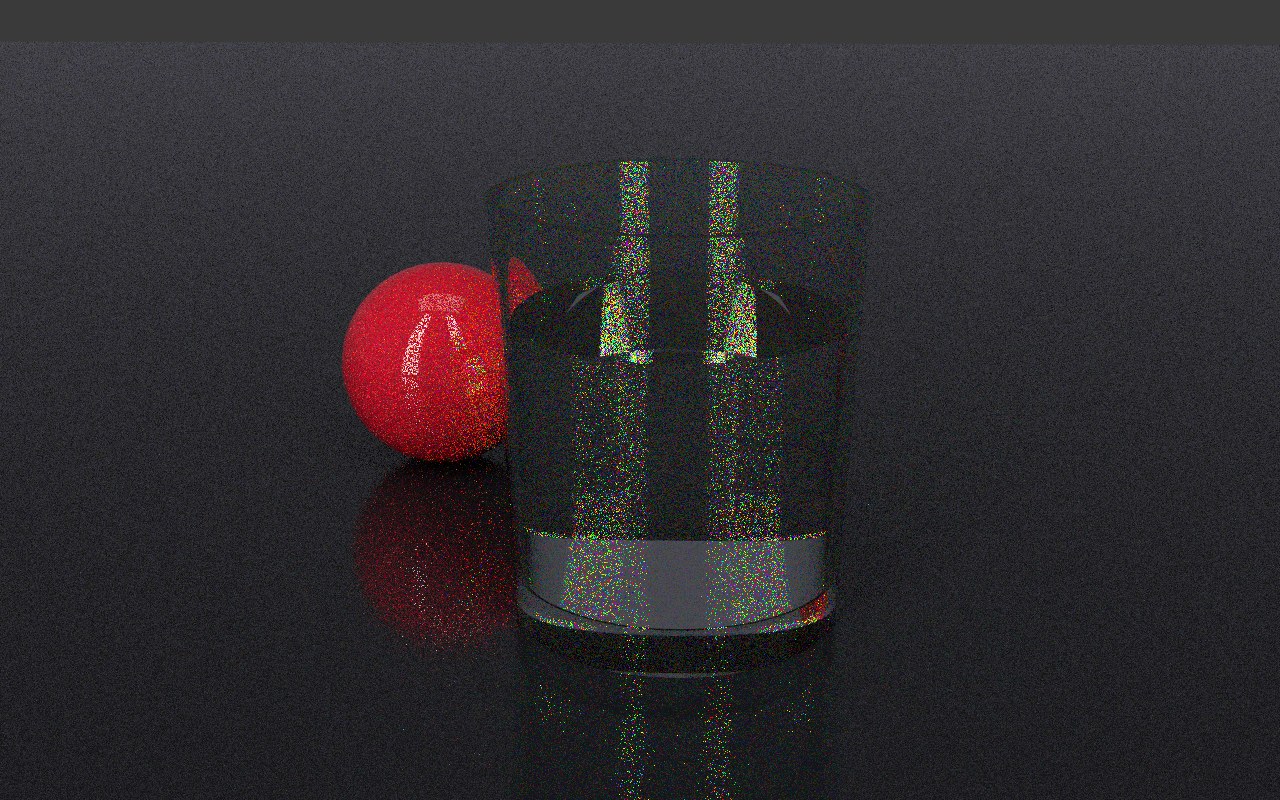
Auddomate builds a picture by following light, one round of rays at a time. Each round is a sample. Every new sample is averaged in, so the picture starts grainy and settles as samples add up.
Stop when clean
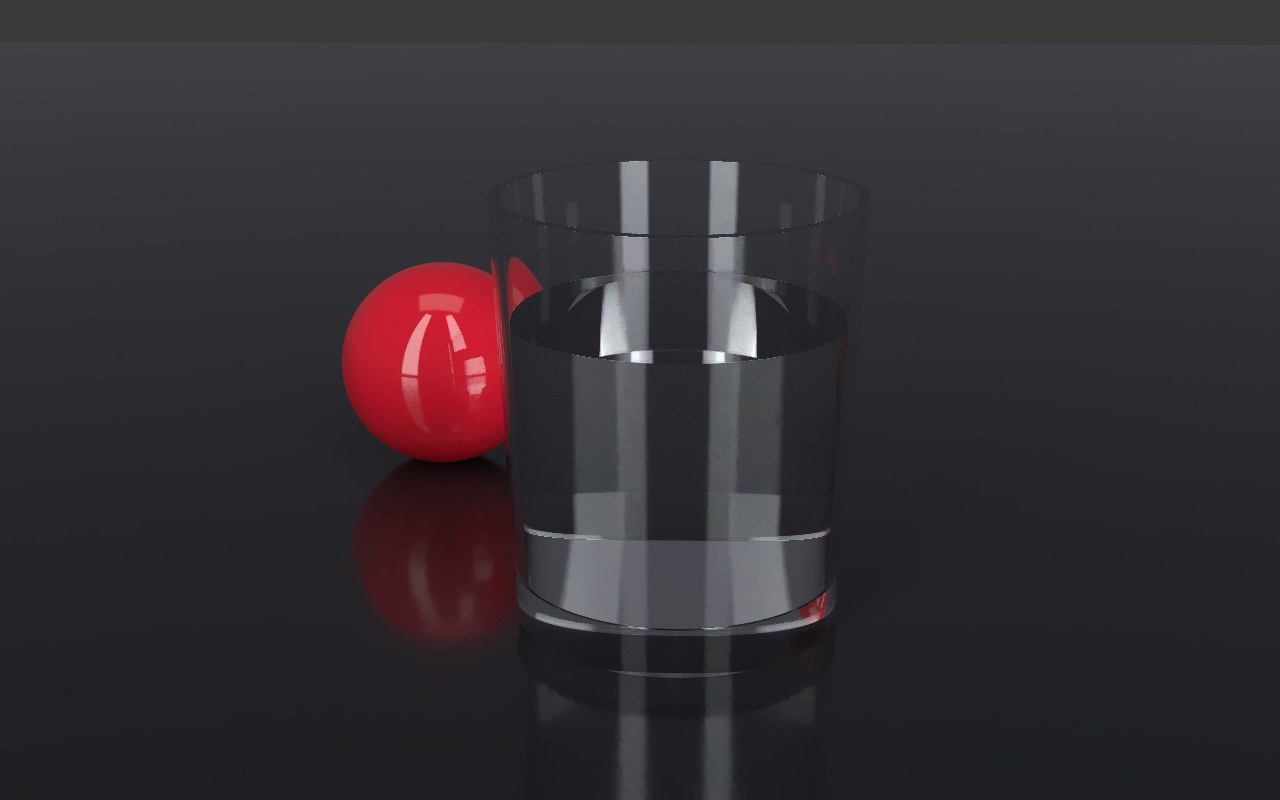
Some scenes are clean after a hundred samples; a bottle of rum in the sun needs thousands. Rather than guess, let Auddomate watch the grain for you. Stop at, in the Render tab, opens on Clean · Good: the render measures how much grain is left in every part of the picture and stops by itself once it's clean enough.
| Stop at | Stops when | Good for |
|---|---|---|
| Clean · Draft | The grain is light | Quick looks while you set up a shot |
| Clean · Good | The picture looks clean, with the denoiser on. The default | Most renders |
| Clean · Final | Even the raw picture is smooth | Finished stills, and anything you'll print or grade |
While it works, the dots fill up as the grain falls, and the time shows roughly how long is left. The estimate is honest: grain halves every time the number of samples goes up four times, so Auddomate can see from the grain now how much longer it needs.
A fixed number of samples
You can also stop at an exact count, which is useful when renders must match each other:
| Stop at | Good for |
|---|---|
| 256 samples | Quick checks and previews |
| 1,024 samples | Most finished renders |
| 4,096 samples | Glass, caustics and depth of field at their very best |
| 16,384 samples | Final frames where every last speck must go |
| No limit | Keeps going until you press Pause |
When a render reaches its target, it says Finished, or tells you it's clean. Press Render again to start over, or choose a higher Stop at to carry on from where it stopped.
Why some things take longer
Most of a scene cleans up within seconds. A few kinds of light take longer, because fewer rays find their way through them:
- Light through glass and water, especially the bright patterns it casts on surfaces, called caustics.
- Small, bright reflections in rough metal.
- Depth of field and motion blur, which average many slightly different views.
- Scenes lit through a small gap, like a room lit by a sunbeam through a window.
For these, choose Clean · Final, or a higher Stop at, and let the render run.
The denoiser
The denoiser cleans out the remaining grain as the picture builds, while keeping everything that matters sharp: edges, textures, the print on a label, reflections in metal. It knows what each pixel is looking at, its color, its direction and how far away it is, so it only smooths where the scene itself is smooth.
It's on by default. Turn it off under Render›Denoise to see and save the raw samples.
Bounces
Light bounces from surface to surface before it reaches the camera: off the floor, onto the wall, onto your model. Max bounces, in the Render tab, sets how many bounces Auddomate follows:
| Max bounces | Effect |
|---|---|
| 1 | Direct light only. Fast, but dark and flat |
| 2–4 | Most indirect light, with softer, richer shadows |
| 8 | Everything for most scenes. The default |
| 16 | Glass inside glass, or deep interiors |
More bounces make the picture brighter and more natural, but a little slower. If glass looks dark or black inside, try 16.
Resolution
Choose how big the finished picture is with Size, in the Output group of the Render tab.
| Size | Pixels | Good for |
|---|---|---|
| Fit the window | The size of the render area | Setting up a shot. Make the window smaller to render faster |
| Square 2K | 2048 × 2048 | Social posts and product tiles |
| HD 1080p | 1920 × 1080 | Web pages and video |
| QHD 1440p | 2560 × 1440 | Sharper web and presentation images |
| 4K UHD | 3840 × 2160 | Large screens and hero images |
| 8K UHD | 7680 × 4320 | Billboards, crops and the finest detail. Pro |
| A4 print | 3508 × 2480 | A4 at 300 dpi. Pro |
| A3 print | 4961 × 3508 | A3 at 300 dpi. Pro |
With an exact size, the render keeps its shape on your screen and saves at the full size, whatever your display. Turn on Portrait to stand any size other than Square upright, for posters, phone screens and tall product shots.
Bigger pictures need more samples' worth of time: a 4K render takes about four times as long as HD to come out clean. Very large sizes also need a graphics card with enough memory; if yours can't manage one, the studio tells you and keeps the size you had. 8K and the print sizes are part of Auddomate Pro.
Speed
How fast Auddomate renders depends on your graphics card and your scene. The readout at the bottom left of the render shows the speed in millions of samples per second. To go faster:
- Use a smaller window for previews.
- Lower Max bounces while you set up your shot.
- Close other heavy tabs and apps that use your graphics card.