


Light
Exposure
Brighten or darken the whole picture in stops, just like a camera, without changing the light in your scene.
What exposure does
Exposure works like the exposure setting on a camera. It doesn't change the light in your scene, only how bright the picture is. Find it under Camera›Exposure.
It's measured in stops, also called EV. Every stop doubles or halves the brightness:
| Exposure | Brightness |
|---|---|
| +2 EV | Four times as bright |
| +1 EV | Twice as bright |
| 0 EV | As rendered |
| −1 EV | Half as bright |
| −2 EV | A quarter as bright |
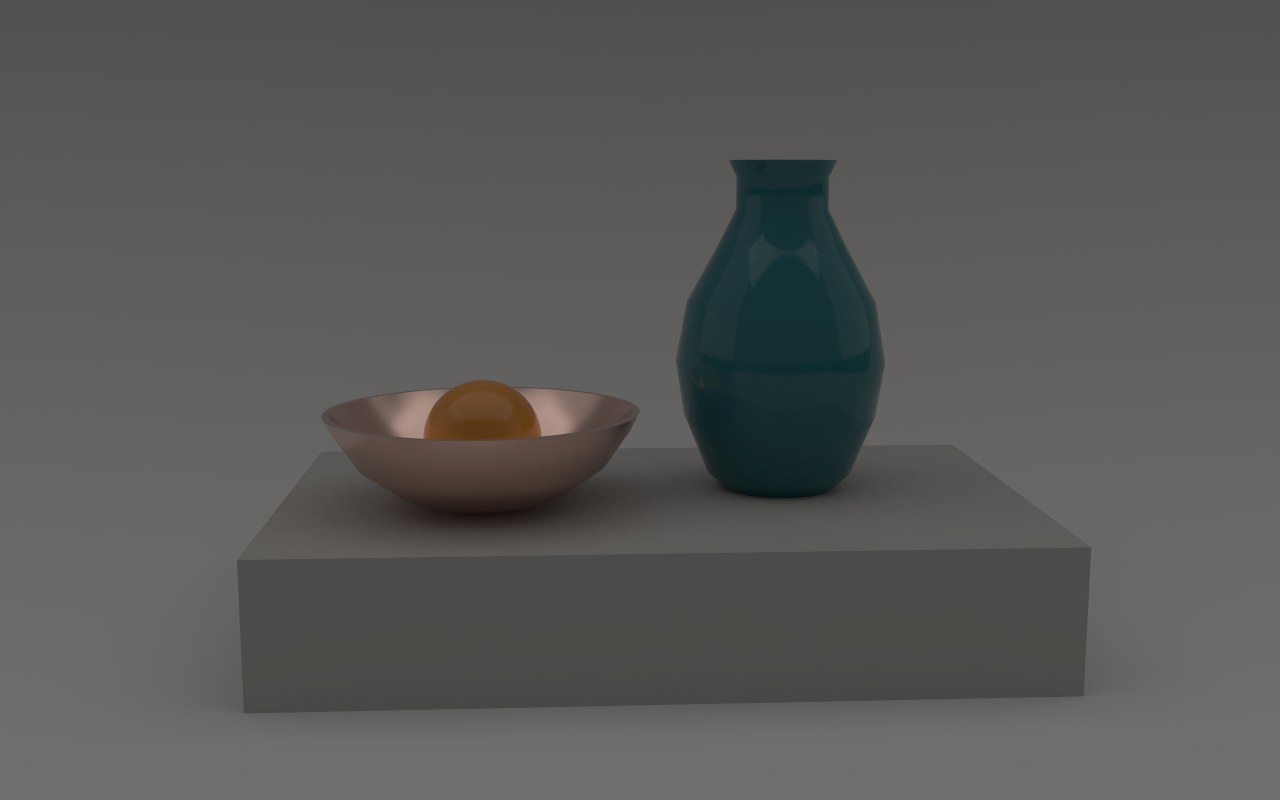
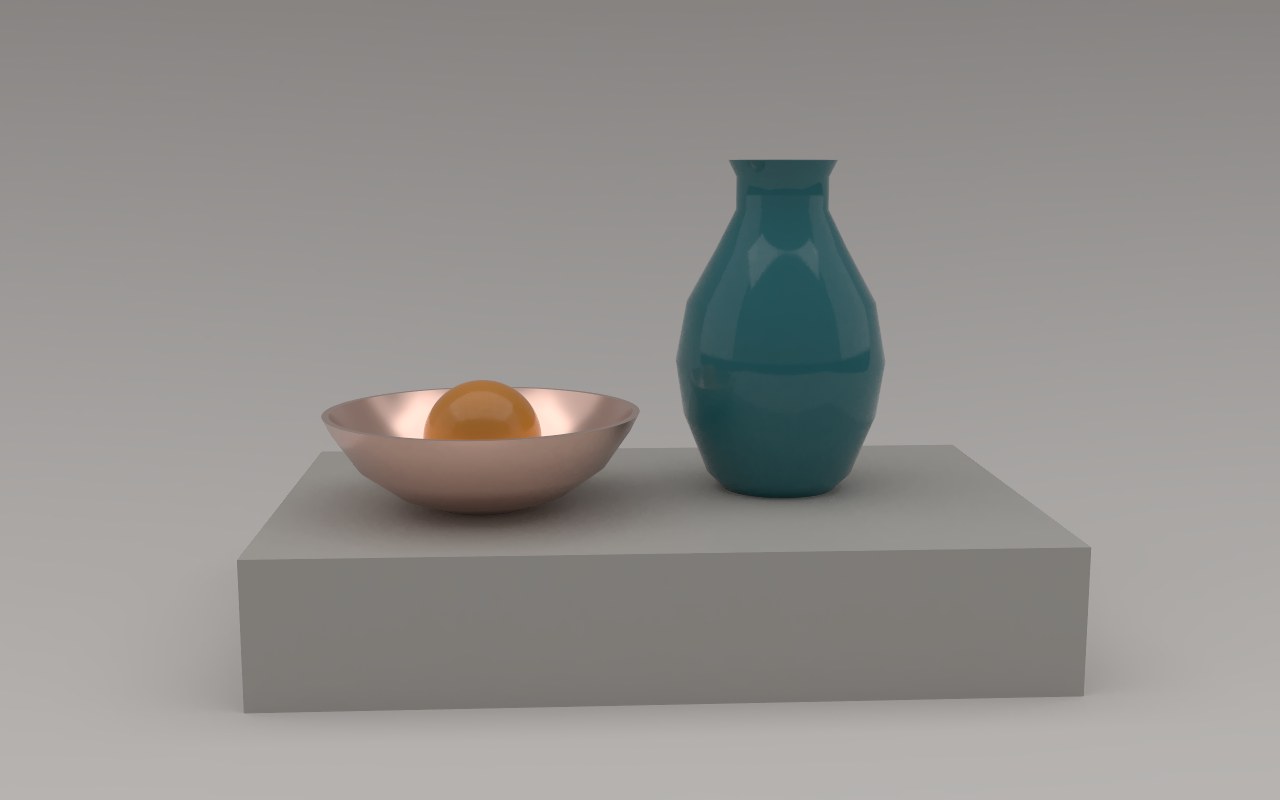
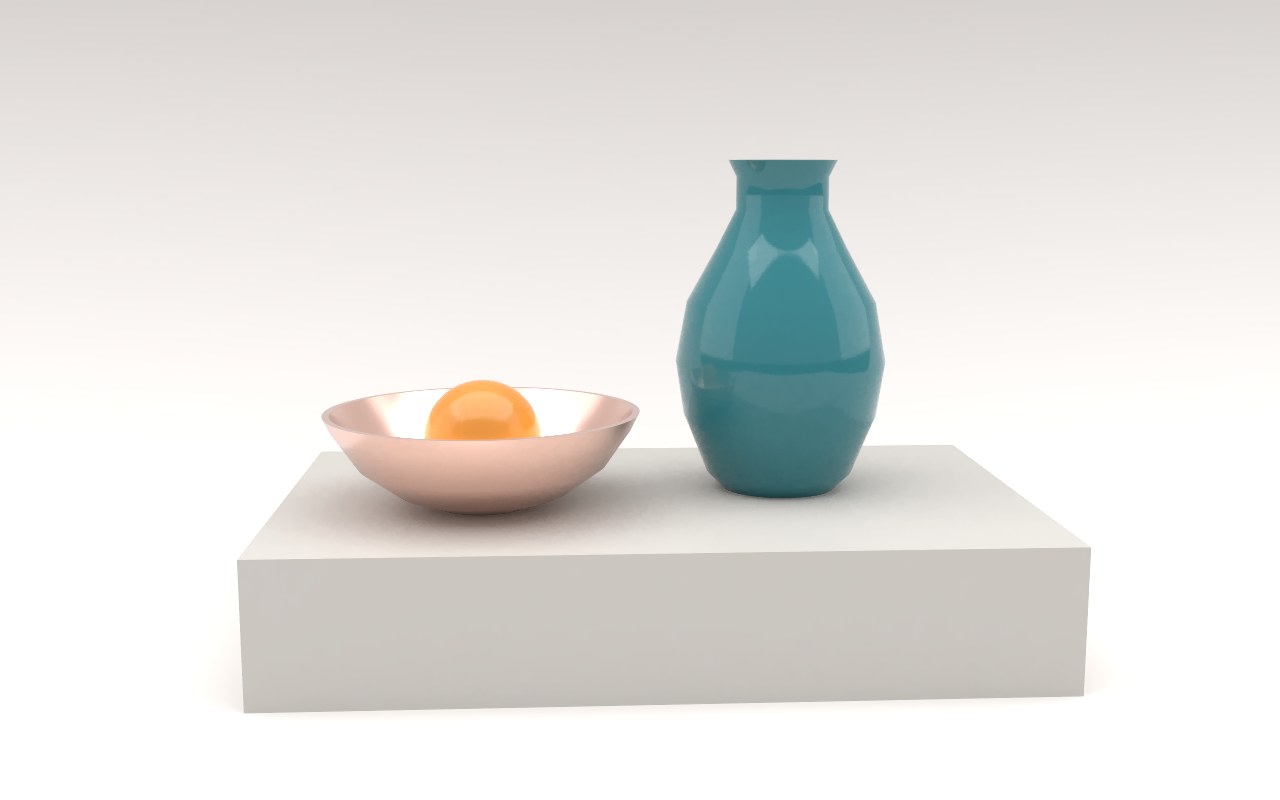
When to use it
- Your lights from a file are far brighter or dimmer than the sky.
- An HDRI was captured darker or brighter than you'd like.
- You want a darker, moodier picture, or a brighter, airier one, without relighting.
Exposure and saving
JPEG, PNG and TIFF are saved with your exposure, exactly as you see them. EXR files keep the true light values without exposure, so you can set it in your compositing app instead. For how the brightest light is shown, see Film look and white balance.
Exposure or intensity?
They look similar, but they do different things:
- Exposure brightens the whole picture, like opening a camera's aperture. Every light, the sky and its reflections change together.
- Sky intensity under Skies and Light strength under Lights from your file change how much light one source gives off, which changes the balance between them.
Use intensity and strength to balance your lights against each other, then exposure to set the overall brightness.