


Finishing
Passes
Render ambient occlusion and Fresnel passes in black and white, for adding contact shadows, depth and edge light in Photoshop, Nuke or After Effects.
Beauty, occlusion and Fresnel
The beauty pass is the finished render: every light, reflection and shadow. Alongside it, Auddomate can render two passes for compositing: ambient occlusion, or AO, and Fresnel.
AO shows, in black and white, how open each point is to its surroundings. Open surfaces are white; creases, corners and the places where objects touch go dark. Compositors multiply it over a render to deepen contact shadows, or use it as a mask.
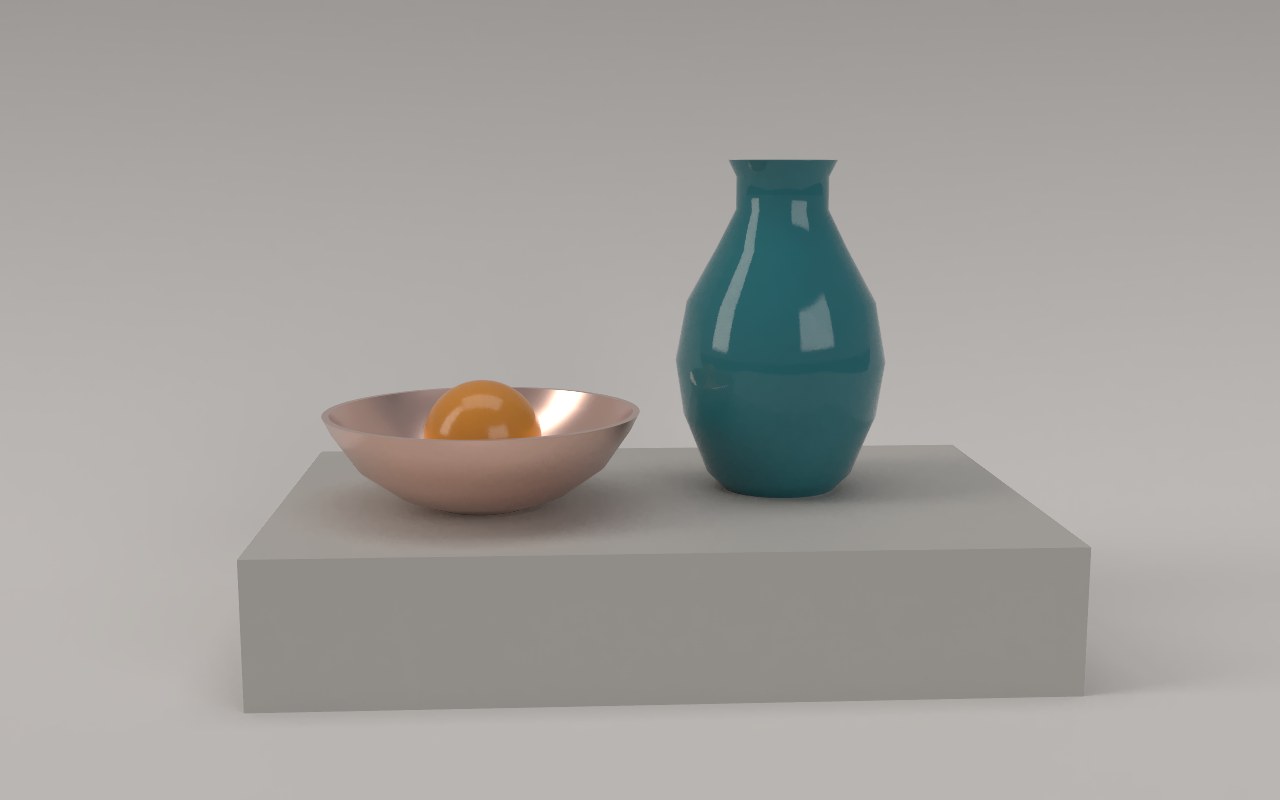
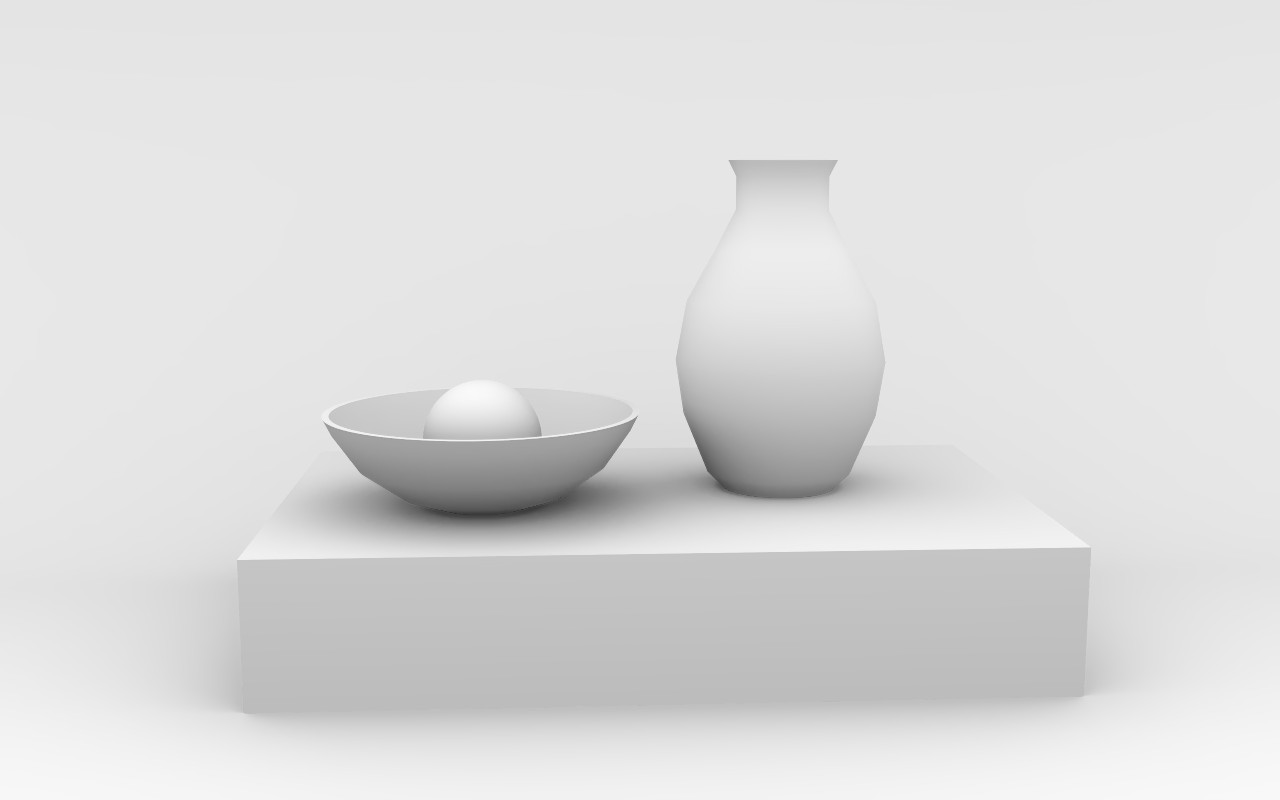
Render an AO pass
- Open the Render tab and set Pass to Occlusion, or tick Ambient occlusion in the Save menu.
- Adjust Occlusion reach: how far to look for nearby surfaces, as a share of your model's size. Shorter keeps the shading tight in creases and contact points; longer lets it spread into soft, broad shading.
- Let it render. AO cleans up much faster than a beauty render.
- Save it in any format from the Save menu.
- Switch Pass back to Beauty when you're done.
The Fresnel pass
Every surface reflects more as you see it at a steeper angle: a window you look straight through, but that turns to a mirror when you look along it. The Fresnel pass shows exactly that, in black and white. Faces turned towards the camera are dark; edges, rims and surfaces seen side-on glow white.
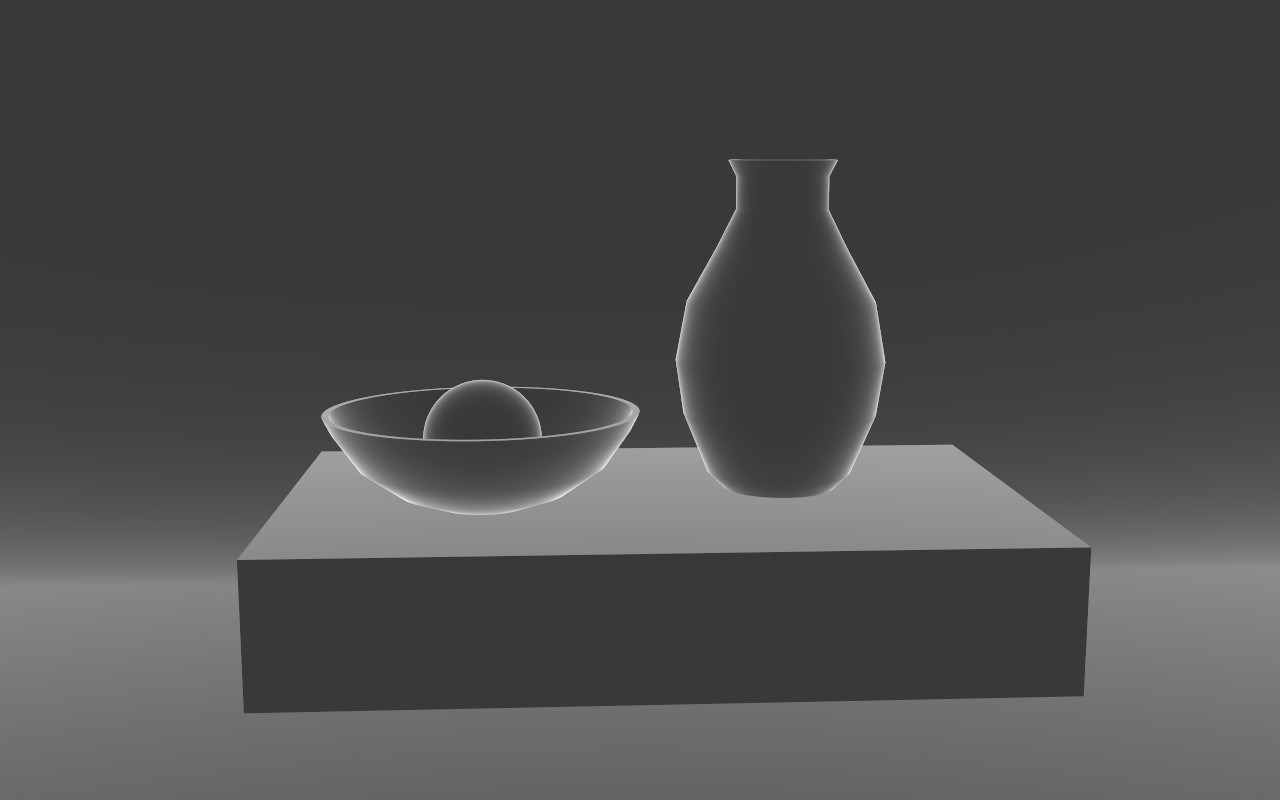
Compositors use it as a mask: to add a rim light, to brighten reflections only where they'd be strongest, or to let a color grade fall off towards the edges of an object.
- Open the Render tab and set Pass to Fresnel, or tick Fresnel in the Save menu.
- Adjust Index of refraction. 1.5 matches glass and most plastics. Higher values brighten the faces that point at you, as with gemstones or polished stone; lower values keep the light to the very edges, as with water.
- Let it render. Like AO, it cleans up in moments.
- Save it, then set Pass back to Beauty.
The Fresnel pass follows normal maps, so embossed lettering and fine surface detail show up in it too.
Using it
- In Photoshop: put the AO above your render and set its blend mode to Multiply. Lower its opacity to taste.
- In Nuke or After Effects: multiply it over the beauty, or use it as a mask to grade the crevices.
- The Fresnel pass is usually a mask rather than a blend: load it as a luminosity selection in Photoshop, or plug it into a mask input in Nuke or After Effects, then brighten or grade through it.
Save each pass and the beauty from the same camera, at the same size, so they all line up perfectly.