


Light
Lights from your file
Point lights, spotlights and suns placed in Cinema 4D, Blender or any glTF app come in with your model, exactly where you put them.
What comes across
When a glTF or GLB file contains lights, Auddomate brings them in at the position, aim, color and strength you gave them.
| Light | Behaves like | Shadows |
|---|---|---|
| Point light | A bare bulb or a candle: light in every direction, falling off with distance | Perfectly sharp |
| Spotlight | A stage spot or a torch: a cone of light that fades softly between an inner and outer edge | Perfectly sharp |
| Sun | Sunlight: parallel rays from one direction, the same strength everywhere | Perfectly sharp, long and crisp |
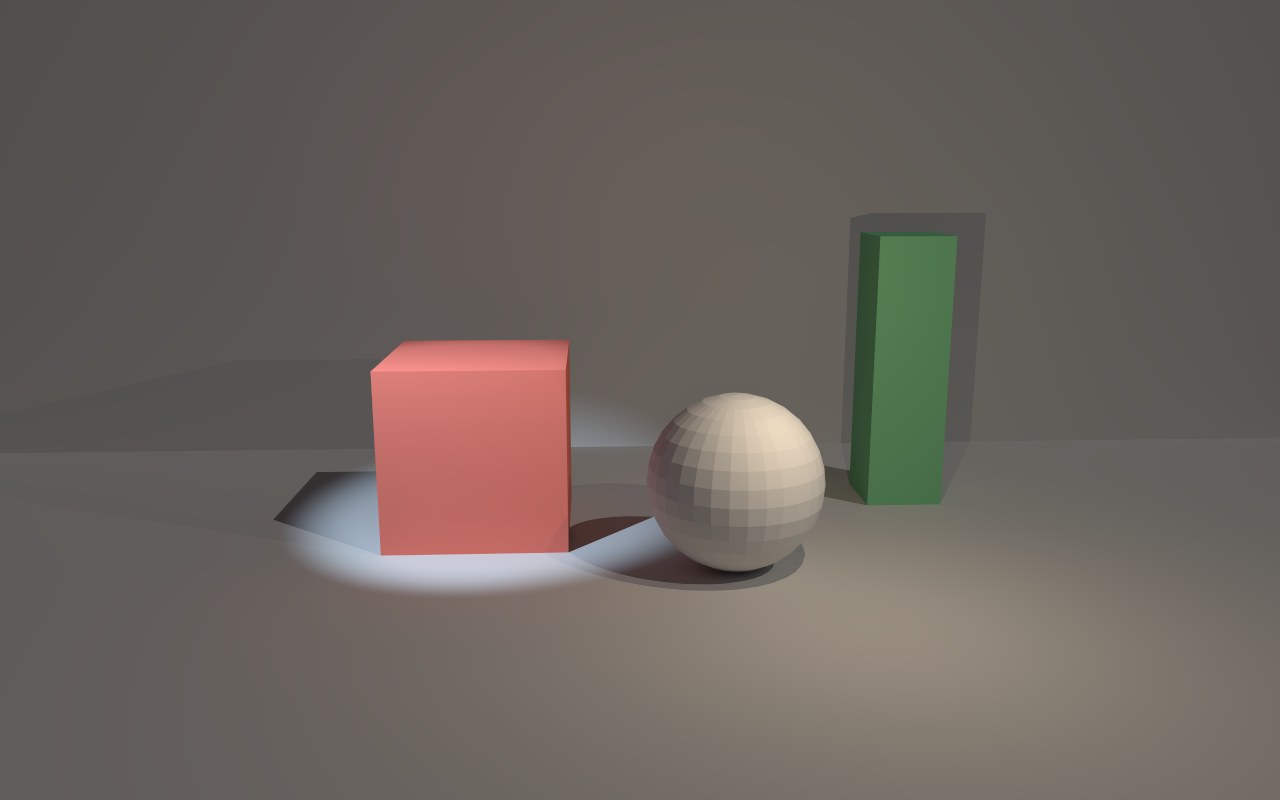
Sharp shadows, and how to get soft ones
Point lights, spotlights and suns have no size: all their light comes from a single point or direction. That's why their shadows are perfectly sharp, exactly as the reference renderer pbrt-v4 draws them.
Real lights have a size, and the bigger the light, the softer its shadow. For soft, flattering shadows:
- Use a glowing surface: a plane with an emissive material in your 3D app becomes a real softbox. See Materials.
- Or use a Studio sky, which surrounds your model with large, soft lights.
Light strength
You'll find your lights in the Light tab, under Lights from the file:
- Use these lights switches them all on or off, which is handy for seeing what they add.
- Light strength makes them all brighter or dimmer together, in stops, up to 12 either way, without changing your file. Each stop doubles or halves the light. As in the file is the strength you exported.
The sky opens dim
A model that brings its own lights opens under a Dark grey color sky, so your lighting sets the look instead of being drowned out by the studio. Pick any sky you like afterwards: the sky and your lights add together.
Lights that move
Lights can be animated, or parented to animated objects, in your 3D app. A headlight follows its car, a spotlight sweeps across a set, a torch moves with the hand that holds it. With motion blur on, shadows cast by moving lights blur just as they would on film.
Real-world units
glTF stores light strength in real units: candela for point lights and spotlights, lux for suns. That makes lights physically correct, but some exporters convert so generously that a scene opens far too bright. If that happens:
- Lower Light strength in the Light tab to bring just your lights down, or
- Use Exposure to darken the whole picture, as you would on a camera.