


Camera
Depth of field
Soften the background and the foreground while your subject stays sharp, exactly as a real camera lens does.
What depth of field is
A real camera lens can only focus at one distance. Things in front of and behind that distance soften into a gentle blur. The more the lens opens, the stronger the blur, and the more your subject stands out. It's the look of an expensive product shot, and Auddomate does it the way a real lens does.
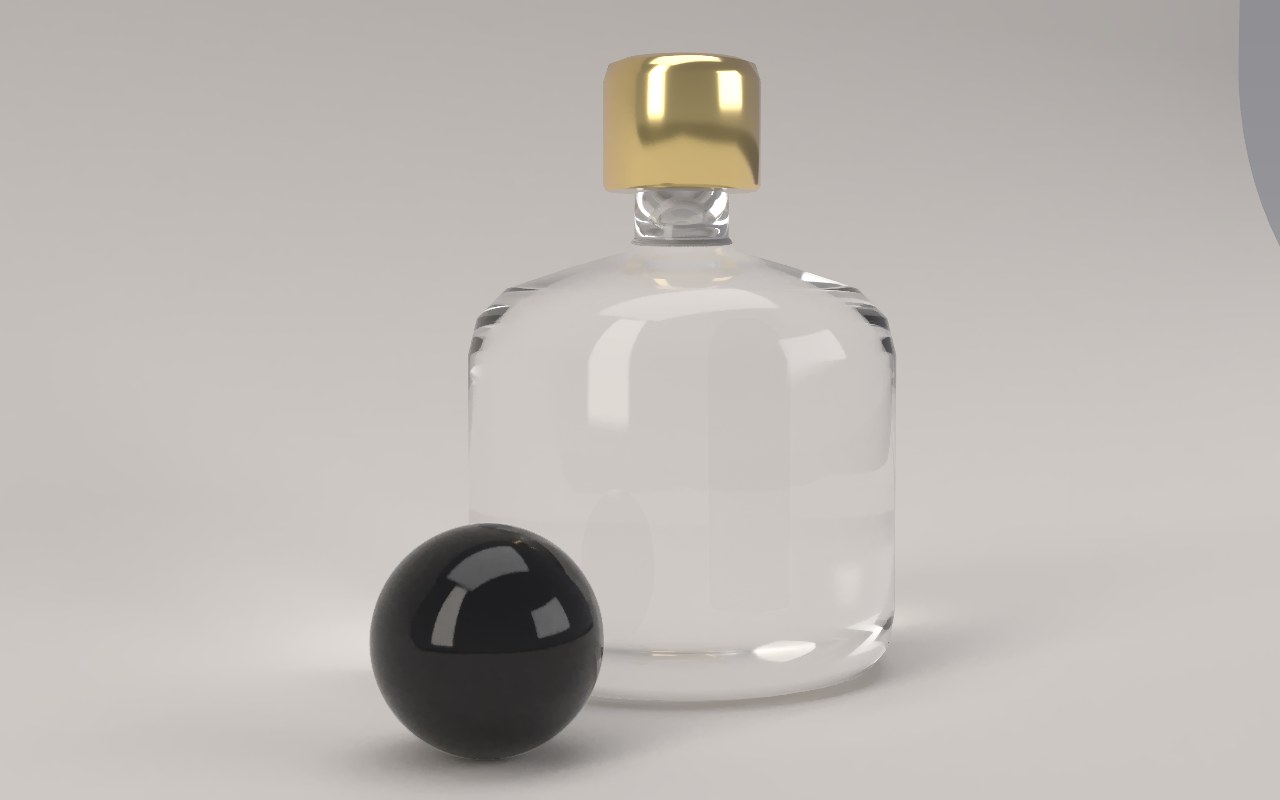
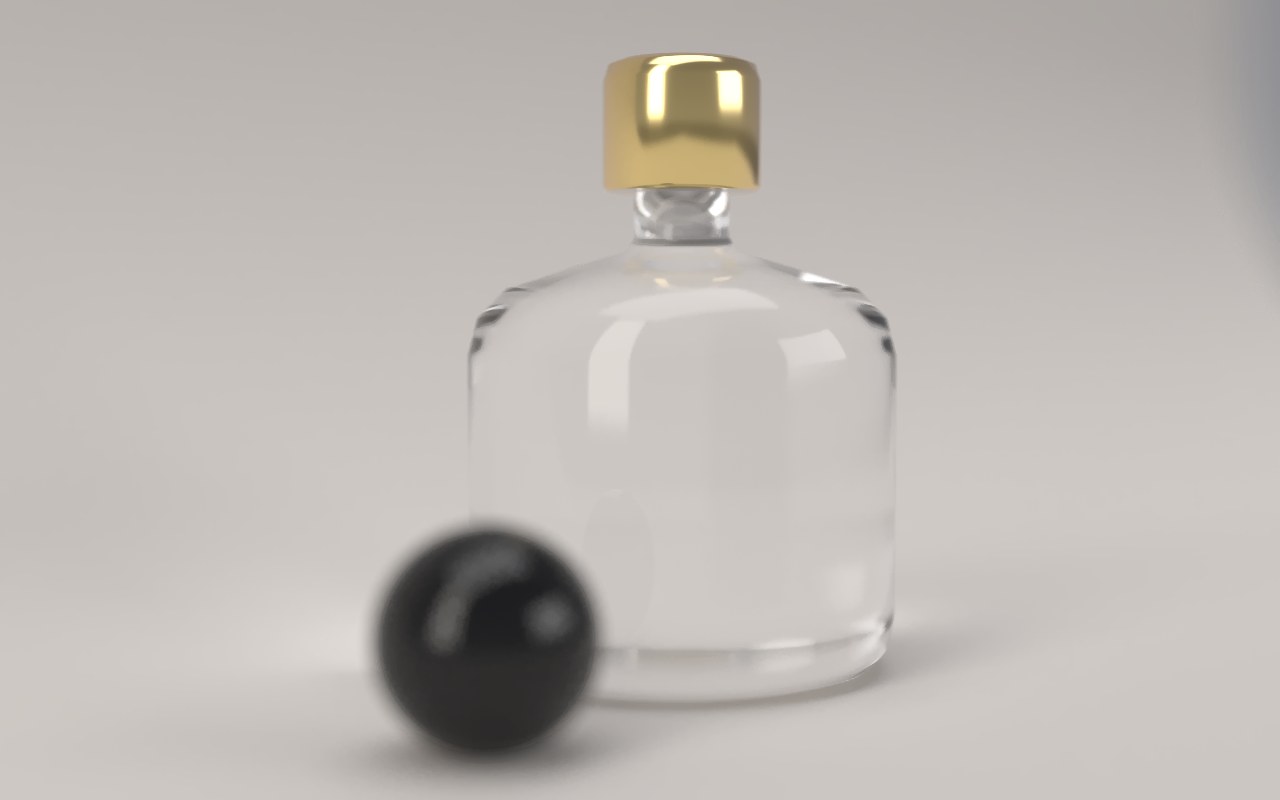
Open the aperture
Under Camera›Aperture, pick an f-number, or f-stop:
| Aperture | Look |
|---|---|
| Off | Everything sharp, like a pinhole |
| f/16, f/11, f/8 | A little softness far from the focus |
| f/5.6, f/4 | A clear, natural separation |
| f/2.8, f/2 | A soft background, a sharp subject |
| f/1.4 | A dreamy, shallow look, with only a thin slice in focus |
Smaller numbers mean a wider opening and more blur. The blur also follows your lens: a long lens at f/1.4 melts the background, while a wide one at f/8 keeps most of the scene crisp.
Choose what's sharp
By default, focus sits on the point the camera turns around, which is usually the middle of your subject. To focus somewhere else:
- Press Pick on render under Camera›Focus.
- Click the exact point you want sharp, like the label on a bottle or the eye of a character.
- Auddomate focuses there and shows the distance, in centimetres or metres.
Press Auto to go back to automatic focus. Press Esc to cancel picking.
True to scale
How much blur you get depends on how big your scene really is, exactly as with a real camera: a bottle at f/2.8 blurs far more than a building at f/2.8. Auddomate reads the real size from your file. glTF and GLB are always in metres, and large OBJ files from Cinema 4D are read as centimetres.
If the blur looks far too strong or far too weak on an imported OBJ, export a GLB instead, which always carries its real size. See Bringing in your model.
Depth of field and noise
Blur needs more samples to look smooth, because each sample sees the scene through a slightly different part of the lens. The denoiser cleans it up within seconds, but for the smoothest bokeh in a final render, let it run to more samples. See Quality and noise.