

How it works
Checks against pbrt-v4
How Auddomate proves its pictures are physically right, by rendering test scenes and comparing them against the reference renderer, number by number.
Why check at all
A renderer can produce a beautiful picture that's subtly wrong: a glass a little too dark, a metal a little too bright, a shadow a little too soft. You'd never know, until you put it next to a photo.
Auddomate takes a different approach. It renders a set of carefully built test scenes and compares the results against pbrt-v4, the open-source reference renderer used to teach physically based rendering around the world. If Auddomate's light differs from pbrt's by more than a tiny tolerance, the check fails. Nothing is tuned by eye.
Run the checks yourself
- Press Checks in the toolbar at the top of the studio.
- Press Run all checks. Each check renders its scene on your graphics card and compares it.
- Watch the counter at the top fill in, like "4 of 34 done • 30 queued". Finished checks count in green, and anything failed or still queued shows in red. Before you start, it reads "not run yet" in purple.
- When they've finished, press Copy results to copy a full report, with your graphics card and browser, to share.
The window follows along, keeping the check that's running at the top so you can watch its progress. Scroll back to read an earlier result and it waits for you, then carries on following a few seconds later.
A full run takes a few minutes. It uses its own engine, so your render isn't disturbed.
What gets checked
The checks cover everything that affects the light in your renders:
| Area | What's compared |
|---|---|
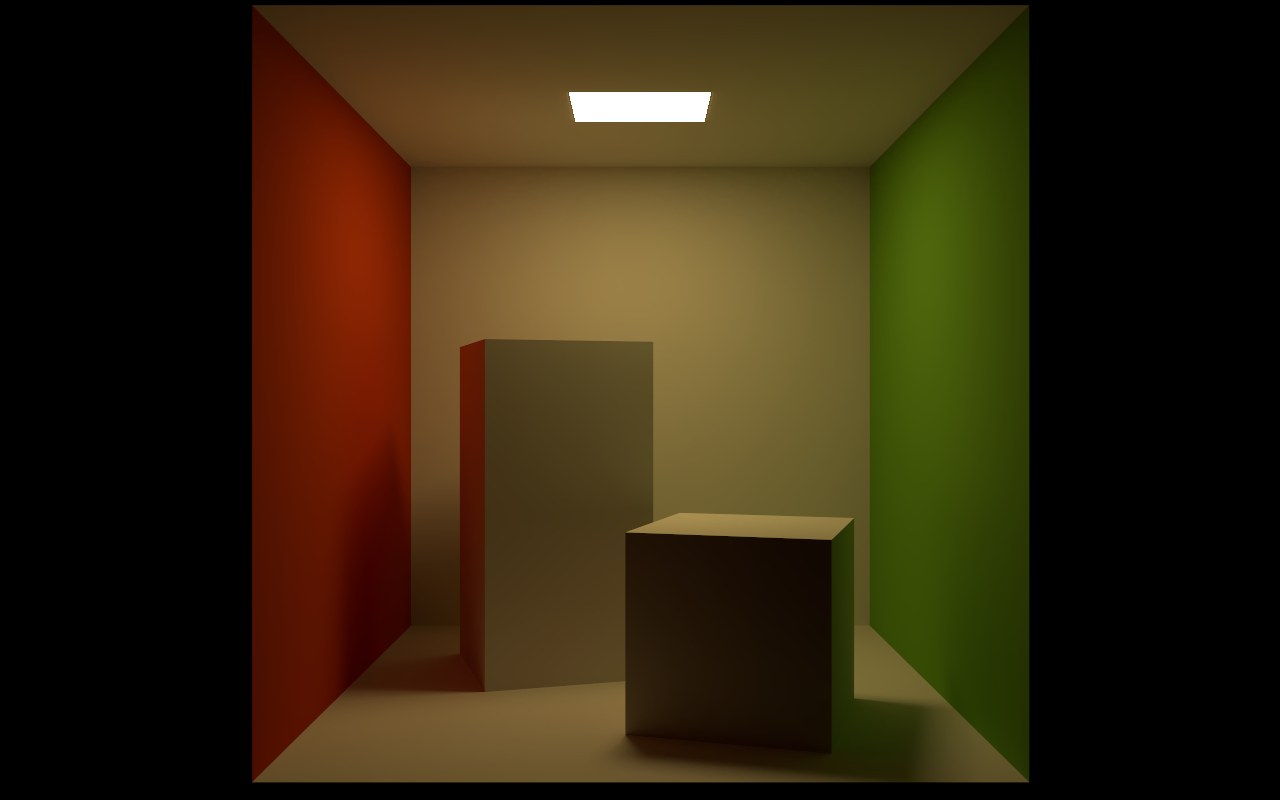
| Light | Rooms lit by area lights, the sky and sun, HDRIs, the Studio skies, lights from files, and caustics focused through glass |
| Materials | Matte, glossy plastic, metal at every roughness, glass, dispersion, colored glass and liquid, and clear coat |
| Textures | Color, roughness and normal maps |
| Camera | Moving the camera, and depth of field |
| Animation | Objects placed by transforms, motion blur, rigs and morphs |
| Saving | Models saved as GLB and OBJ and read back in |
| The engine itself | Energy is conserved, noise falls as samples add up, and the graphics card matches a second, slower renderer on the processor |
Each check names its test scene, like T05 Glass or T14 Motion blur. To look at them, turn on Interface›Show test scenes: they appear in the scene picker under Tests, with their test numbers.
What a pass means
A pass means that, for that scene, Auddomate's average light matches pbrt-v4's to within a small fraction of a percent, and no part of the picture is off by more than the check allows. The checks compare raw light, before the denoiser, glow or glare, so finishing touches can never hide an error.