


Camera
Film look and white balance
Choose how light becomes a picture: exactly as calculated, or filmic, with highlights that roll off into color. Then set the white balance like a camera.
Light becomes a picture
Auddomate calculates light as it really is, and real light has no ceiling: a sunlit glint can be a thousand times brighter than the shadow beside it. A screen can't show that range, so something has to decide how the brightest light becomes a picture. That's the Look, under Camera›Look.
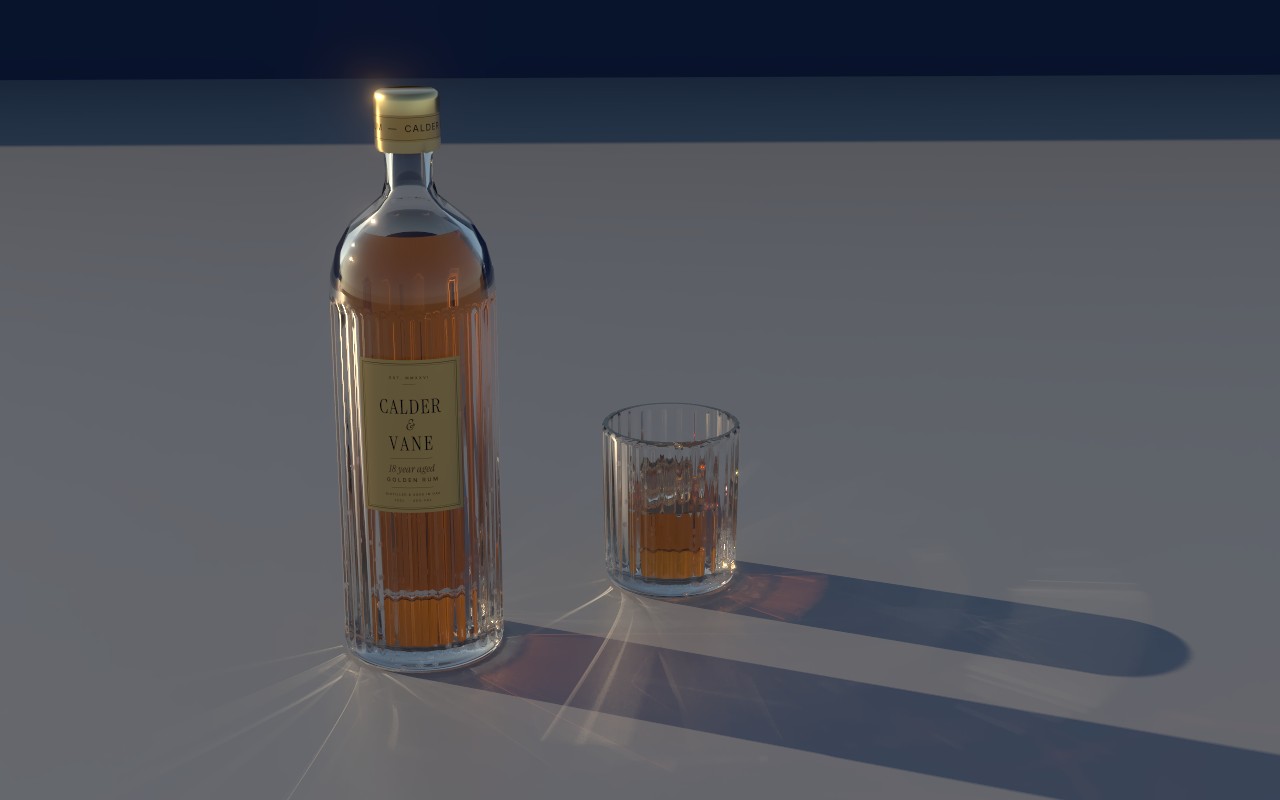
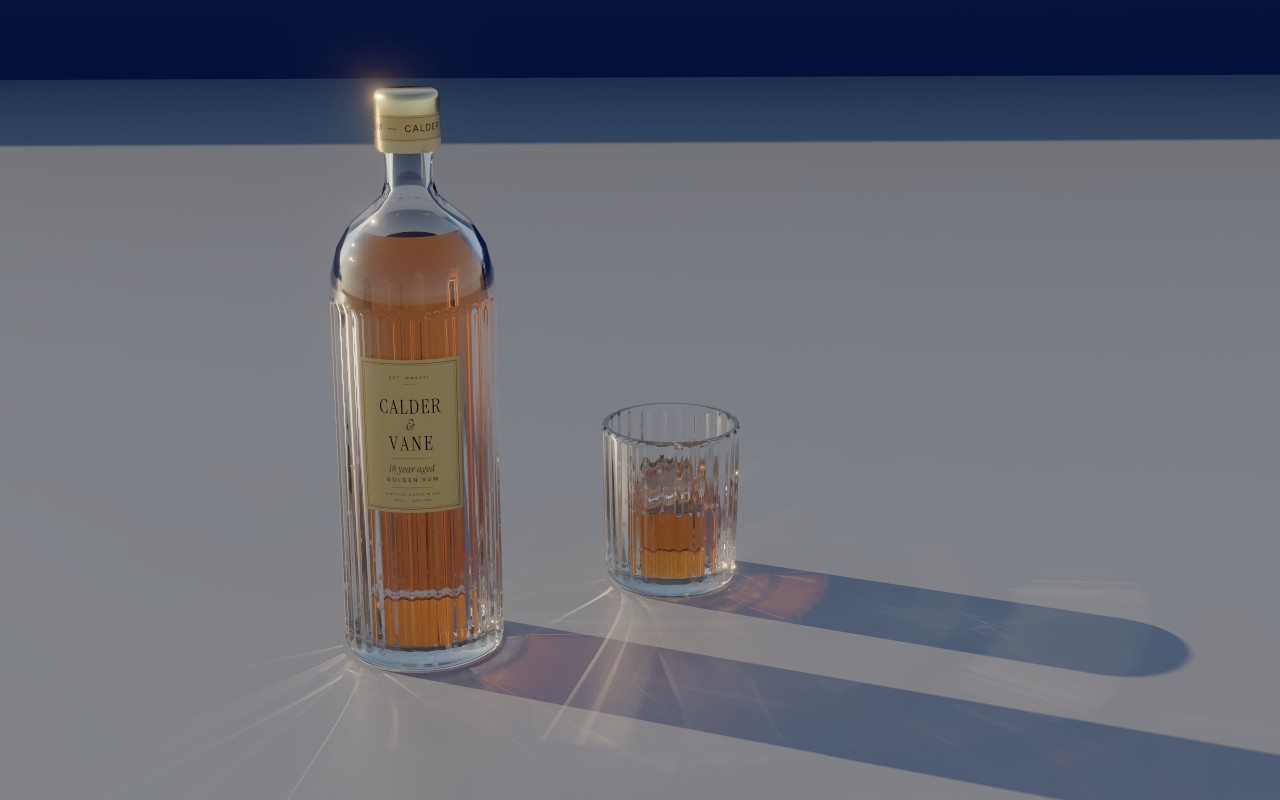
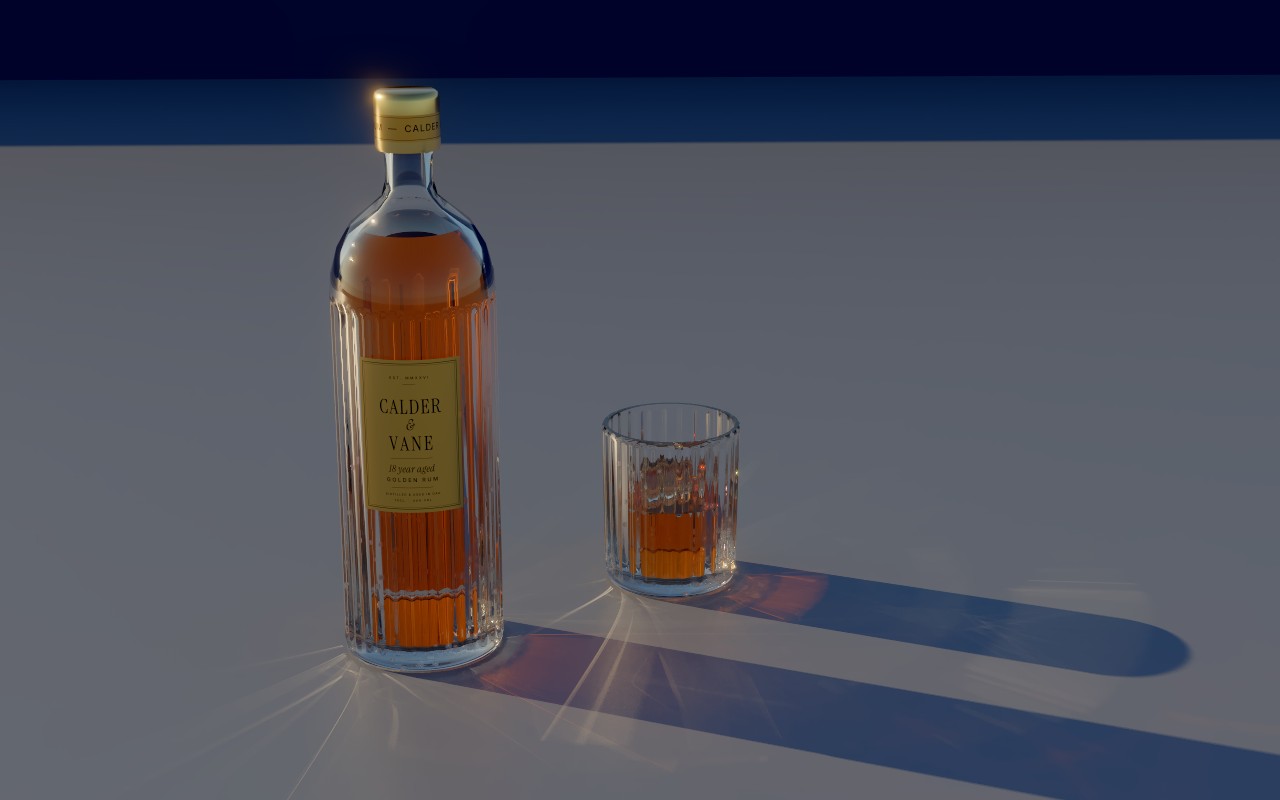
- Standard shows the light exactly as calculated and clips anything too bright to pure white. It's the right choice when you need precise values, and it's how every scene opens unless the scene chooses otherwise.
- AgX is filmic. Very bright light rolls off gently and keeps its color, so a sunlit glint through rum stays golden instead of turning flat white, and bright skies stay blue. AgX is the filmic transform Blender has used by default since version 4.0; Auddomate uses a close mathematical fit of it.
- Punchy is AgX with more contrast and richer color: deep shadows, saturated highlights. The Rum bottle opens with it.
White balance
Light has color: candlelight is deep orange, midday sun is near white, shade on a clear day is blue. A camera's white balance decides which color of light reads as white, and Auddomate works the same way, under Camera›White balance.
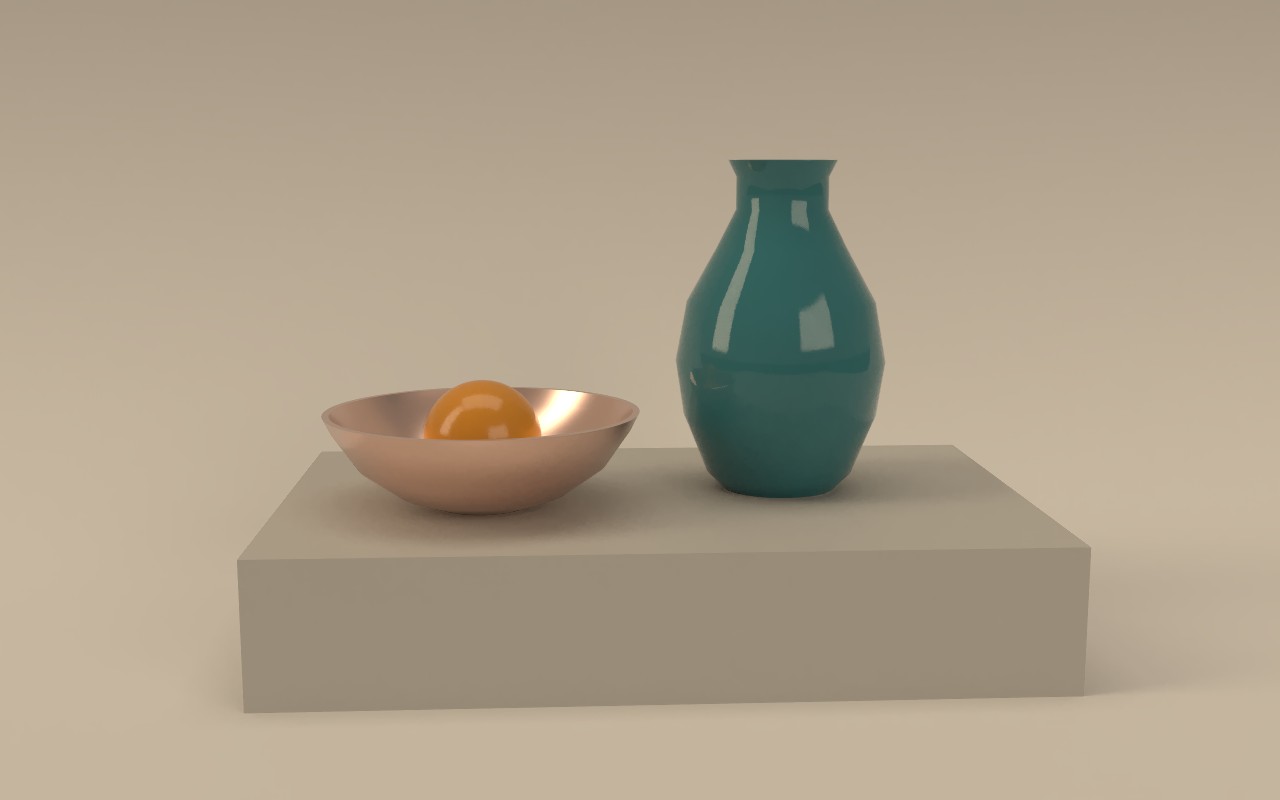
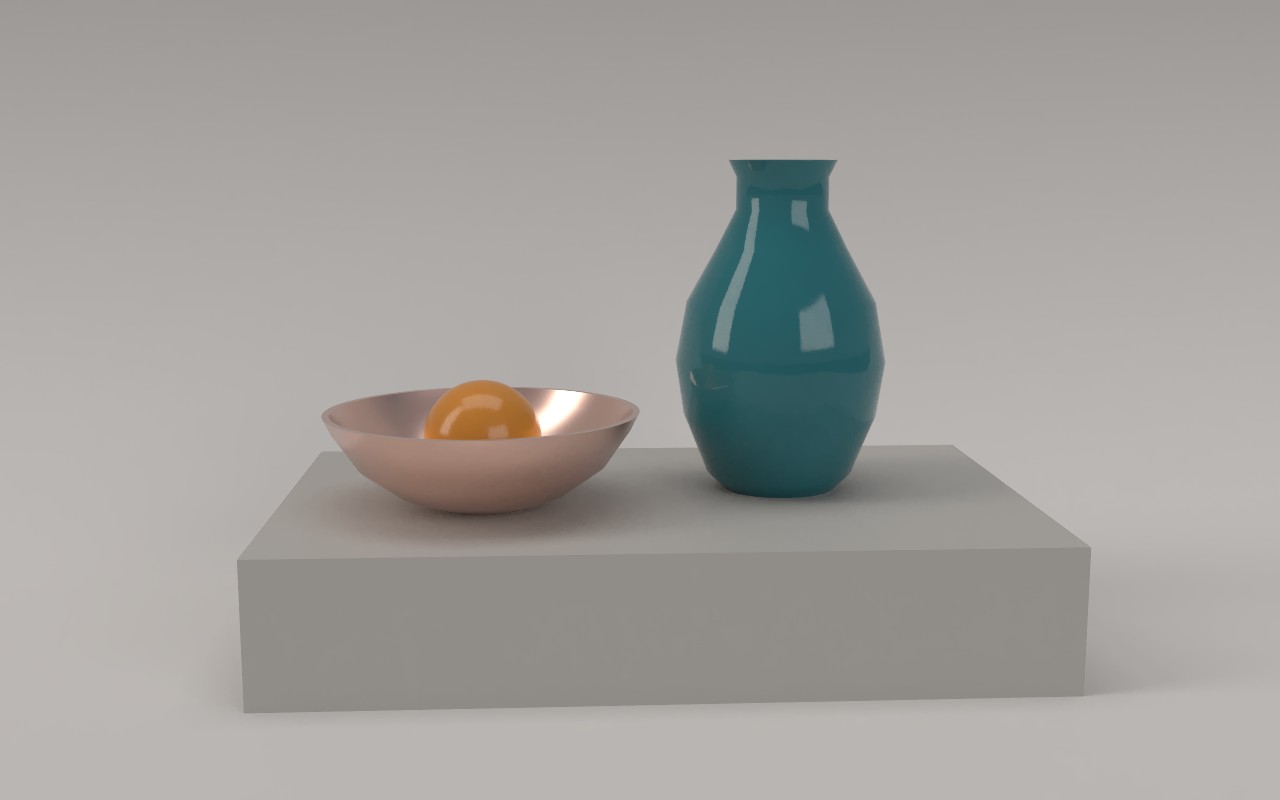
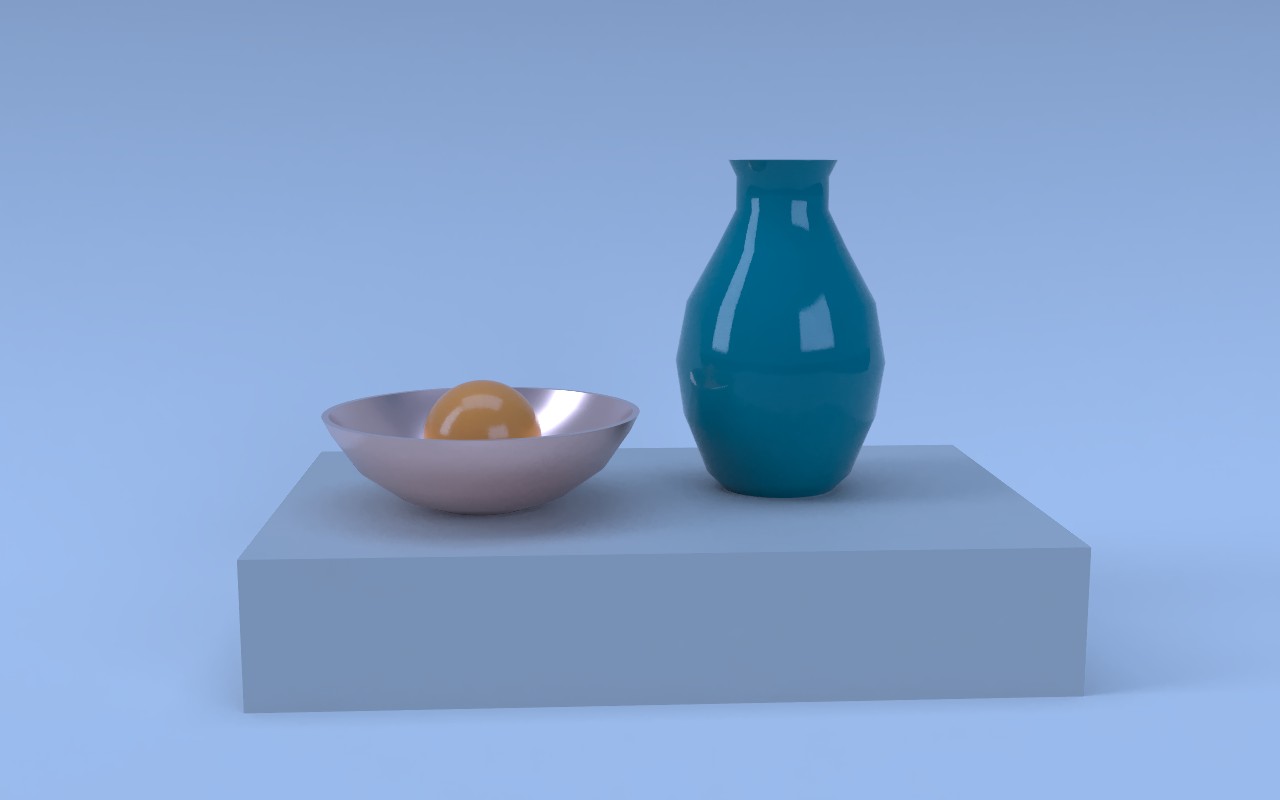
It's measured in kelvin, the color temperature of light. 6,500 K is neutral and leaves the light exactly as rendered. Set it to the color of the light in your scene, and that light becomes white:
| White balance | Picture becomes | Good for |
|---|---|---|
| 3,000–4,000 K | Cooler | Warm lamps, candles, sunset |
| 6,500 K | As rendered | Daylight, the studio |
| 8,000–10,000 K | Warmer | Shade, overcast skies, a cool HDRI |
White balance adjusts color the way a camera does, in the light itself rather than as a tint on top, so whites become white and every other color shifts with them.
Saving
JPEG, PNG and TIFF, and videos, are saved with your look and white balance, exactly as you see them. EXR files keep the true light values, without exposure, look or white balance, so you can make those choices in your compositing app. Passes like Occlusion and Fresnel are always saved as plain values.